Get a project plan you can start today
Tell IdeaZen your level, stack and time. It writes the features, the roadmap and your first commit, then helps you track the build.
Start with your level
- BeginnerLearning fundamentals
- IntermediateComfortable building apps
- AdvancedArchitecture, scale and production concerns
Free. No account. Or plan a hackathon.
Habit tracker with streaks
A daily check-in app where the streak maths is correct.
roadmap
p1 Data model and state
Write a pure function that computes the current streak from a list of dates
p2 Core UI
Habit list with a one-tap check-in button
p3 Streaks and history
first commit
$ npm create vite@latest habits -- --template react-ts
Plans you can read right now
A hand-written library, from a first React app to a Postgres-backed job queue.
- Habit tracker with streaksTrack daily habits, tick them off, and see current and longest streaks. Data stays in localStorage.Beginners1 to 2 weeksReactTypeScript
- Recipe finder using a public APISearch recipes by ingredient, filter, and save favourites, using a free public recipe API.Beginners1 to 2 weeksReact
- Real-time polling appCreate a poll, share a link, and watch votes update live for everyone in the room.Intermediate3 weeksNode.jsReactTypeScript
- API rate limiter serviceA small service that other apps call to check whether a key is over its limit, using Redis.Intermediate2 to 3 weeksNode.jsTypeScript
- Background job queue with retriesA job queue on Postgres with retries, backoff, scheduling and a small dashboard.Advanced5 to 6 weeksNode.jsSQLTypeScript
How it works
Answer a few questions
Skill level, interests, stack and time. One question per screen; the answers stay in the page address.
Pick one of three ideas
Each comes with a match score, difficulty and the features it would include.
Get the full plan
Features, tech stack, a roadmap in phases with concrete tasks, pitfalls, and the commands for your first commit.
Track it
Tick off tasks, mark it building or shipped, download it as Markdown or share a link.
Stop your AI app looking like every other AI app
Pick a design kit, copy its DESIGN.md, and give it to Claude Code, Cursor, Lovable or v0. Exact colours, fonts and component rules, so the result has a point of view.
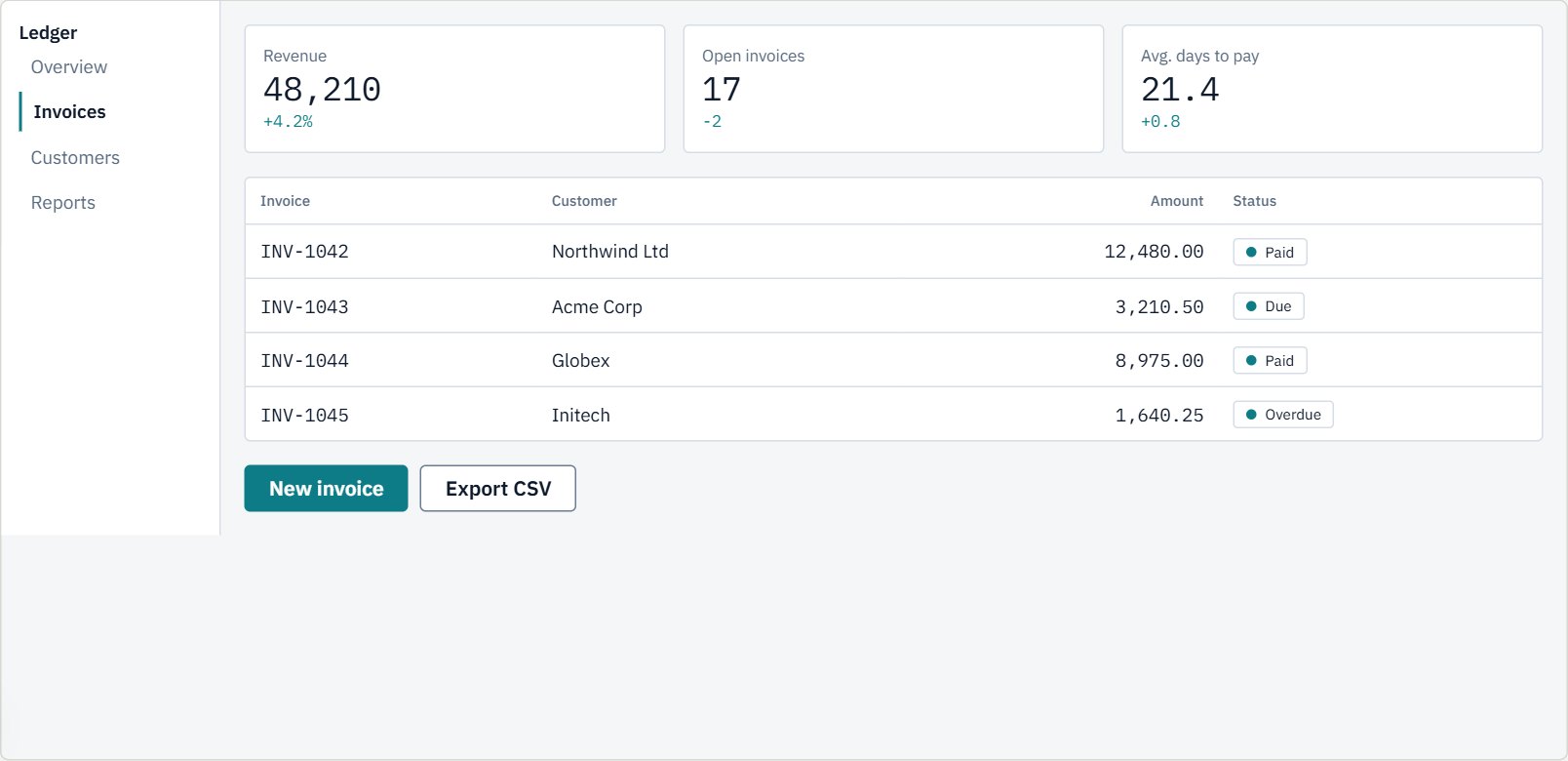
Ledger
Web appDense, calm dashboards for data you read all day.
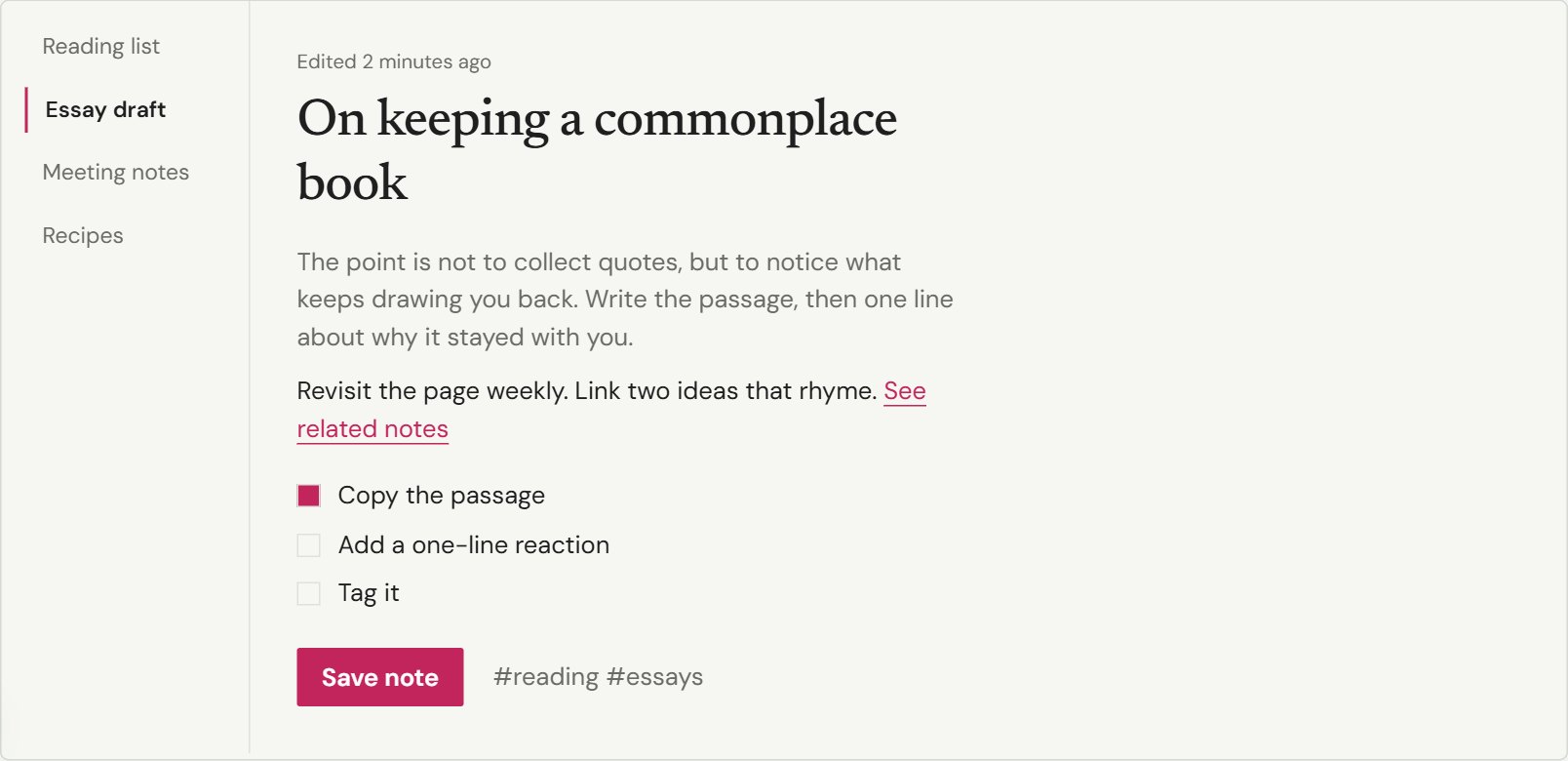
Marginalia
Web appA reading-and-writing app that feels like a well-set page.
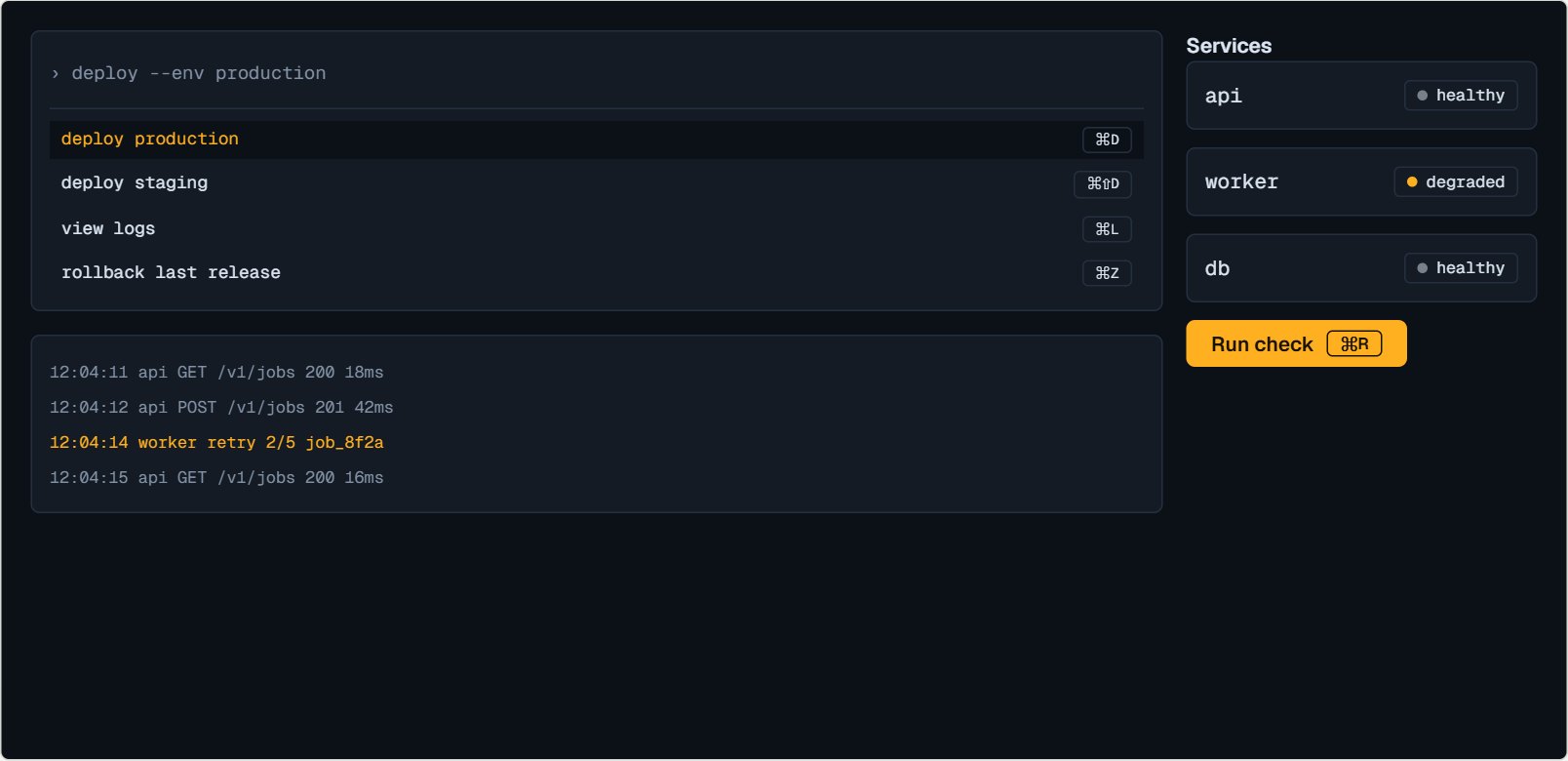
Night Shift
Web appA dark, keyboard-first look for tools developers live in.
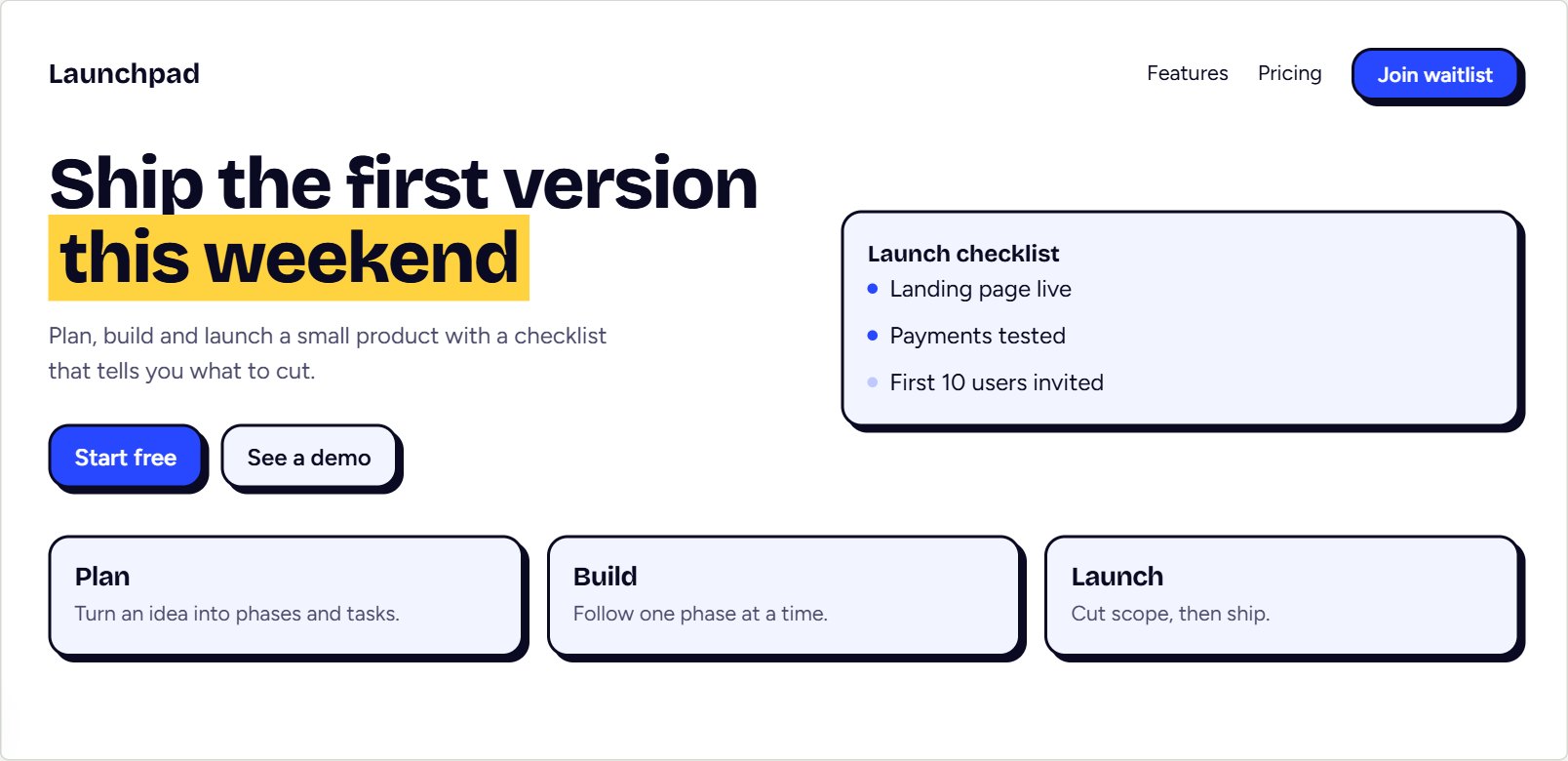
Launchpad
Landing pageA bold, confident landing page with hard edges and one loud colour.
Hackathon in 24 to 72 hours?
Enter the idea, your team, the skills you have and what you must submit. You get a task list per block of hours, the scope to cut first if you fall behind, the risks to watch, and a demo script.
hr 0-3 Scope and skeleton
hr 3-12 Core flow end to end
hr 12-30 Depth and integrations
hr 30-36 Feature freeze
hr 36-48 Polish, deploy, demo
Guides
Questions
Is IdeaZen free?
Yes. There are no accounts, plans or payments. Generation is rate limited per person so the service stays available for everyone.
Do I need an account?
No. Plans you generate are saved in your browser. Use Backup on the Saved page to move them to another device, or Copy share link to send one plan to someone else.
How does IdeaZen make a project plan?
Your answers are sent to a language model (Llama 3.3 70B, served by Groq), which writes three project ideas and then a full plan for the one you pick: features, tech stack, a phased roadmap, a first-commit guide, pitfalls and resources.
Can I trust the plan and the links in it?
Treat them as a strong first draft. The AI can make mistakes, and resource links in particular can be outdated or wrong. Check anything you plan to rely on. The hand-written ideas in the library are reviewed separately.
Can I make a plan easier or harder?
Yes. On any saved plan, choose Make it simpler or Make it harder and the plan is rewritten at that difficulty. Your original is kept.